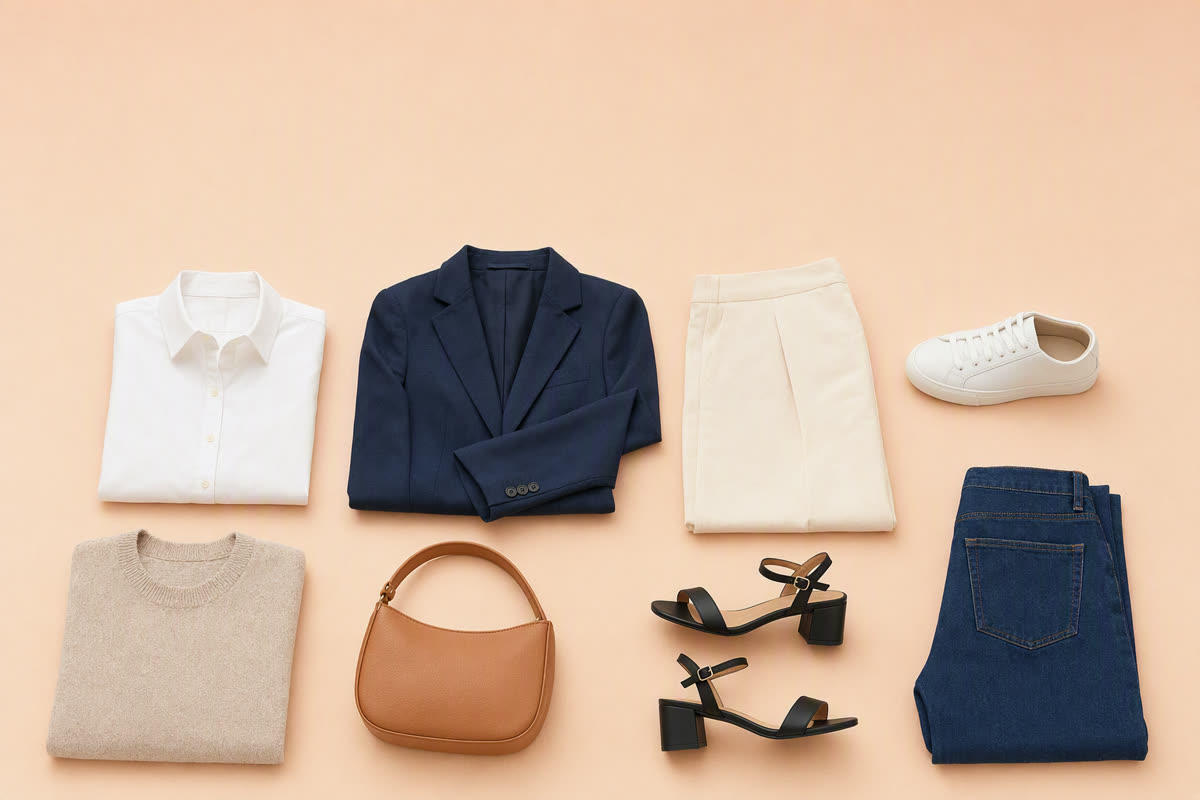
Whering, Alta and Acloset all help you use clothes you already own. The choice is about how you want to build the closet and make outfit decisions. Whering combines wardrobe planning, social features and daily suggestions. Alta emphasizes generated looks and an avatar preview. Acloset combines organization with AI styling and a clearly stated standard free item limit.
This comparison also includes Stylebook, Indyx and FITPOP because an outfit canvas, a human stylist or a simple photo-to-outfit workflow may be a better match for your needs. FITPOP publishes this page. Features and prices below were checked against official websites and US App Store listings on 14 September 2026. Recommendations are based on those published capabilities; prices and availability can vary by storefront.
Compare the workflows first
| App | Getting clothes in | Making outfits | Cost point to check |
|---|---|---|---|
| Whering | Photos, product database, retailer images | Planning, daily suggestions and social styling | Free download; in-app purchases are listed |
| Alta | Photo-based digital closet | Daily AI looks, weather, trips and avatar preview | Official site says free to use; check current terms |
| Acloset | Photos; supported purchase-history and Gmail imports | AI styling, item-led outfits and avatar Try On | Standard free closet: up to 100 items |
| Stylebook | Photos, multiple import, web images, automatic cut-outs | Editable collages, outfit shuffle, calendar | US App Store: $4.99 download |
| Indyx | Photos with background removal | Build looks yourself; optional human styling | Free wardrobe; paid upgrades and styling |
| FITPOP | Batch photo capture | Daily ideas and styling around a selected garment | Free download; check current in-app terms |
Import features do not establish which app is fastest. Your result depends on whether your clothes have usable product images, how accurately photos are processed and how much information you want to add.
Whering vs Alta: planning and community or avatar-led styling?
Whering is worth trying if you want to organize outfits and interact with other wardrobes as well as receive suggestions. Its official site describes photo import, a product database, daily styling, planning and cost-per-wear tools. It would be inaccurate to describe it as only manual styling.
Alta's official site emphasizes personalized daily looks, weather-aware suggestions, trip planning and trying outfits on a virtual avatar. That is useful to compare if imagining a combination on a person matters more to you than arranging garment thumbnails.
For your trial, use an outfit you would actually wear tomorrow. See how easy it is to change one item and save the result. A polished preview is not a guarantee that real fabric, sizing or drape will match it.
Acloset vs Alta: check the wardrobe limit and your daily workflow
Acloset's support page says its standard free closet supports up to 100 items, with a monthly subscription above that. Its purchase-history and Gmail imports depend on country and supported formats. Avatar Try On requires an account and has usage conditions. Count shoes, outerwear and accessories when estimating your wardrobe size.
Alta describes its service as free to use on its official site. That statement does not establish that every future feature or usage level will stay unlimited. Inspect the current app before committing to a full import.
Try the same set of clothes and the same occasion in both. Record whether you can correct an item, change an outfit and find a saved look later. Those small repeated actions matter more than winning a single impressive image.
When Stylebook or Indyx makes more sense
Stylebook is an option for people who enjoy building outfits. Its feature list includes automatic background removal, multiple import, a collage canvas, Outfit Shuffle, a calendar and packing tools. The US listing showed a $4.99 download price when checked. Calling its import entirely manual would miss its current tools.
Indyx is useful to compare when you want wardrobe organization with the option of a human's advice. Its official site lists free wardrobe features and optional paid upgrades and styling services. Read the scope and price of a styling service separately from the app's download price.
Choose a manual canvas if composing the outfit is enjoyable. Choose suggestions if it is the part you want help with. Choose human advice if you want a conversation about your style. These options can overlap; the presence of AI does not make one automatically better.
Where FITPOP belongs on the shortlist
FITPOP's current listing describes batch capture, daily looks and building a full outfit around one item. That makes it a candidate if you want to photograph the clothes you own and revisit pieces that are hard to combine. Version 2.1.0 requires iOS 17 or later and lists eight interface languages, including English and both Chinese variants.
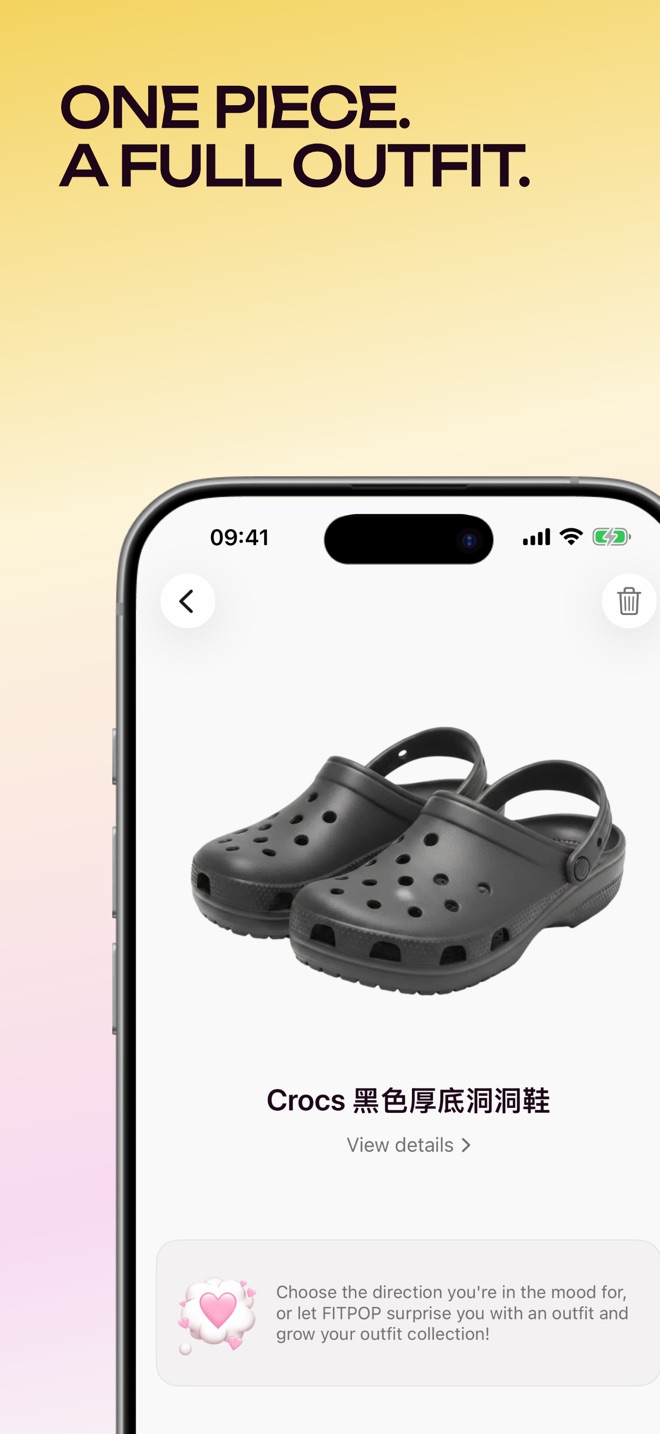
The product screen illustrates a workflow, not a measured comparison with another app. FITPOP's privacy policy explains photo processing and deletion. Read the equivalent policy for any service before uploading personal images.
For a fuller selection exercise, use the AI stylist buying guide. It sets out a small, repeatable closet trial instead of assuming that every app works equally well for every wardrobe.
A useful test before you import your whole closet
Pick ten pieces you already wear and use the same photographs in two candidates. Include a patterned item, a dark item and a piece you often skip. For each app, record your import time, the corrections you make and whether you would wear its suggested or assembled looks. These are measurements for you to collect, not results claimed by this article.
Then check three practical things: the price at your planned wardrobe size, whether your saved looks are easy to find, and what happens to your data if you leave. You can first audit your closet to avoid spending time digitizing items you no longer use.
Use the app that helps you wear the clothes you have. The best choice is the one you will keep using after the initial setup, whether its main tool is a generator, a canvas or a person.